

How to Organise a Wedding Budget in a Spreadsheet
· admin
A useful wedding budget answers three questions: how much you can spend, how much you expect to spend and how much you still owe. Keeping those figures separate helps you make decisions before committing to another payment.
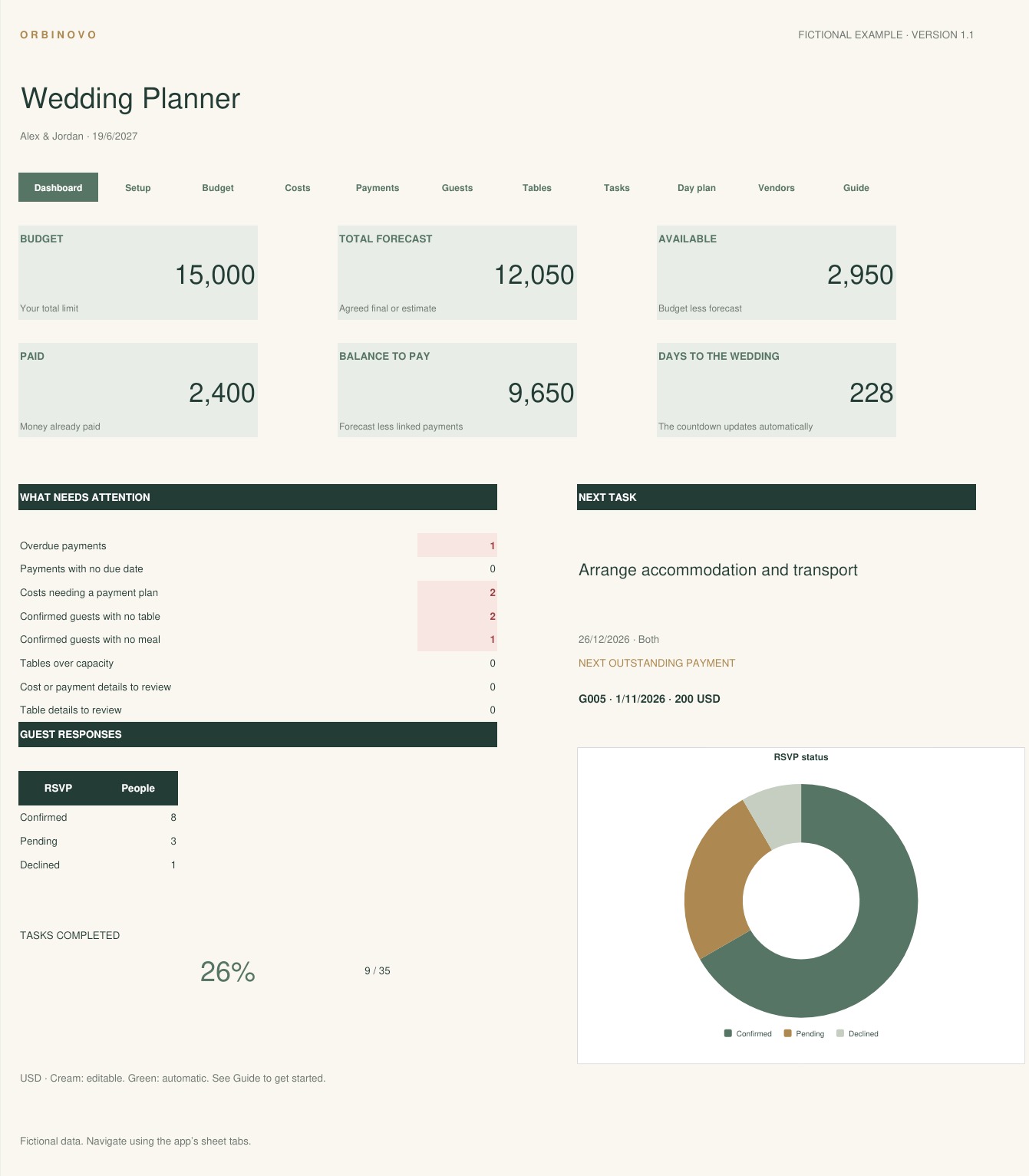
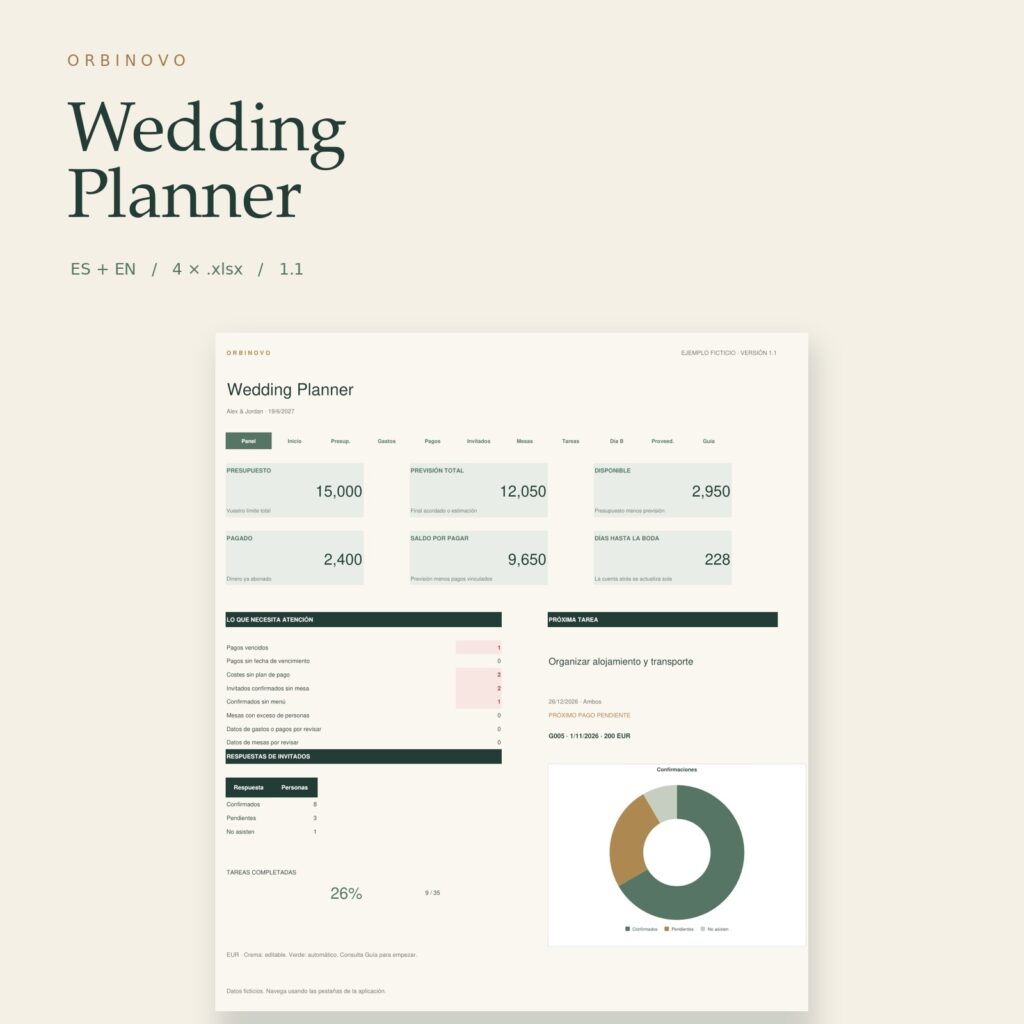
This guide explains a spreadsheet approach with a fictional example and a practical checklist. If you want a prepared structure, Orbinovo Wedding Planner brings together budgets, costs, payments, guests and tables.
1. Set a limit and define what it covers
Write down the money available and confirmed contributions. Decide whether the limit includes rings, clothing, accommodation or travel. Budgets with different categories cannot be compared directly. Keep uncertain contributions separate from funds you can already rely on.
2. Estimate costs by category
Start with the largest items and refine the details later. This fictional €15,000 example illustrates the method; it is not an average wedding price or a recommended spending level.
| Category | Fictional estimate |
|---|---|
| Venue | €3,000 |
| Catering | €6,500 |
| Photography | €1,500 |
| Music | €700 |
| Clothing and accessories | €1,200 |
| Decorations | €500 |
| Ceremony | €200 |
| Transport | €400 |
| Stationery | €100 |
| Total forecast costs | €14,100 |
| Contingency margin | €900 |
| Total limit | €15,000 |
A contingency margin is not money already spent. When you add a new cost, record it in the relevant category and reduce the available margin. Do not also count it as a second expense in the reserve.
3. Keep estimates, agreed costs, paid amounts and balances separate
- Estimate: your initial forecast before receiving a confirmed quote.
- Agreed cost: the amount accepted with the vendor, with inclusions recorded.
- Paid: money actually paid, with a payment date.
- Outstanding: the forecast or agreed cost minus payments made.
If forecast costs are €14,100 and you have paid €3,500, you still owe €10,600. The margin against your limit remains €900. Paying a deposit reduces your outstanding balance; it does not reduce the total cost of the wedding.
4. Give each payment instalment its own row
A vendor may request a deposit and a final payment. Record each instalment separately against the same cost: description, due date, amount, amount paid and payment date. Do not add these instalments to the cost total again; they are the payment schedule for the same service.
For an agreed €1,500 service, a €500 deposit and €1,000 final payment add up to the same €1,500 cost. Once the deposit is paid, €1,000 remains outstanding.
5. Link variable costs to guest numbers
Separate fixed costs from per-person charges. Before expanding the guest list, ask what changes: adult or child meals, minimum guest commitments, drinks, transport or accommodation. A simple starting estimate is additional guests × variable cost per person, checked against the vendor’s terms.
6. Review the budget after each major decision
Update the workbook when you accept a quote, change guest numbers or make a payment. Check taxes, extras, additional hours and exclusions. Keep contracts, receipts and a backup of the workbook.
A quick review checklist
- Is the total limit clear, with contributions confirmed?
- Does each cost appear only once?
- Do instalments add up to the agreed amount?
- Does each payment have a date and receipt?
- Does the catering estimate match the guest count?
- Is there room for outstanding decisions and unexpected costs?
A template that connects the details
Wedding Planner includes four .xlsx files: a clean template and example in both English and Spanish. Main functions have been tested in Apple Numbers. This edition supports up to 80 guests and 16 tables, alongside costs, payments, tasks, vendors and the wedding day schedule.